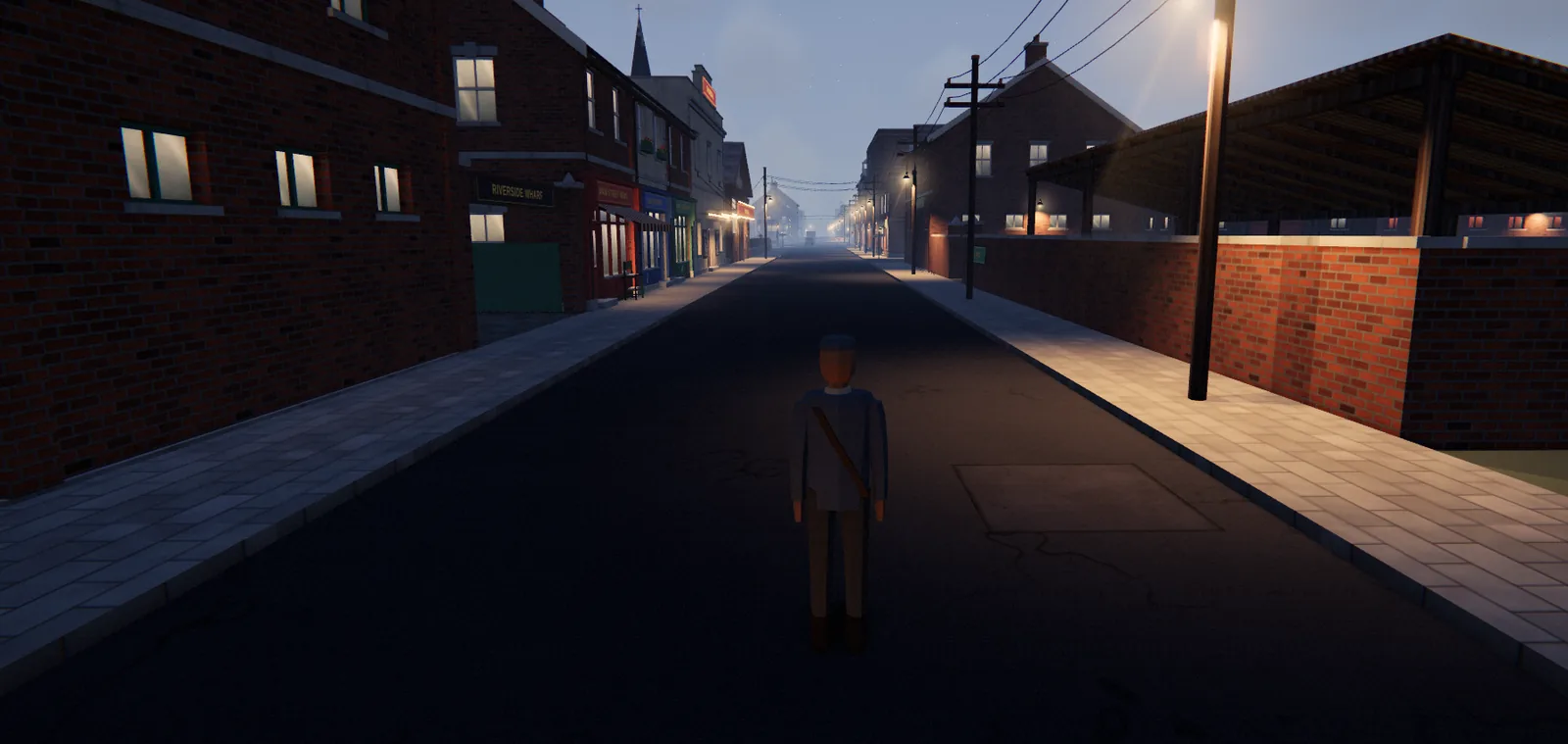
The Mill Street Gazette
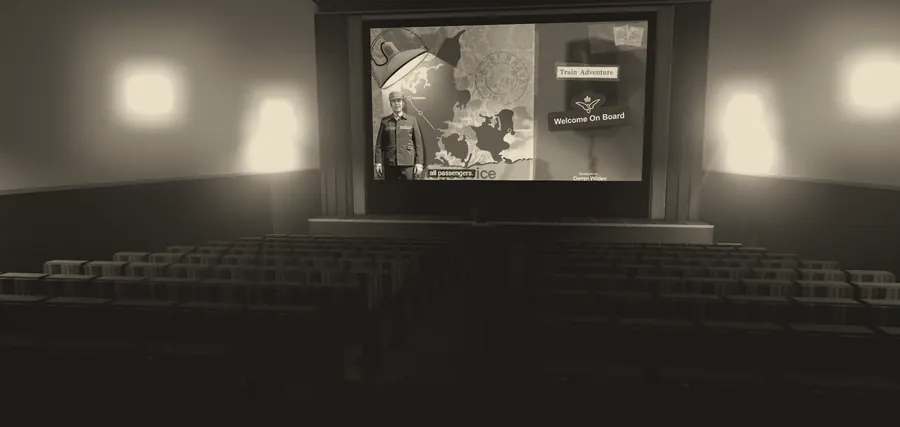
The cinema may start showing good movies
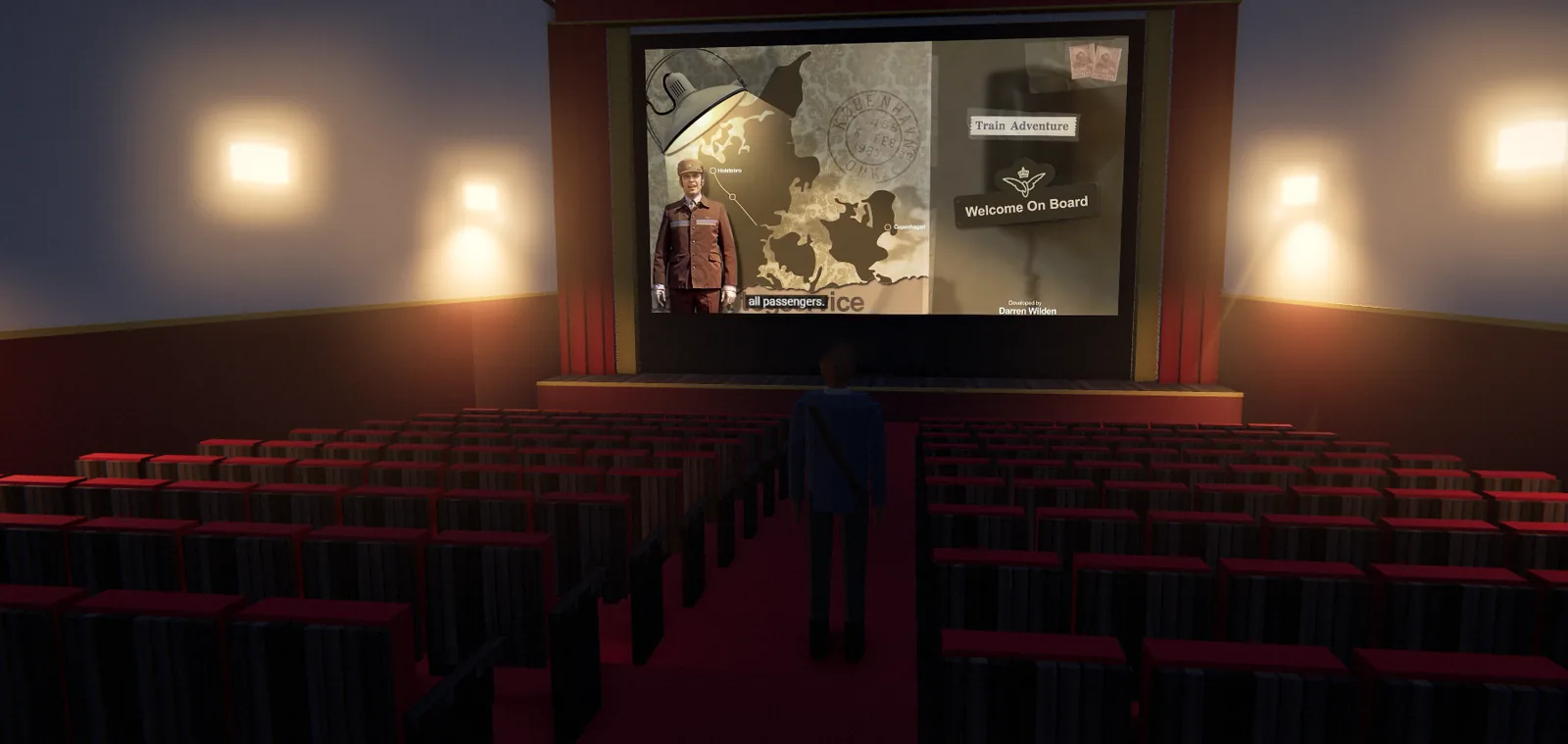
There is a local initiative to convince The Regal to replace the movie that has been playing on repeat for the last 13 years, with something actually worth looking at. However, the owner of The Regal emphasizes that if it was not for that movie, The Regal would never have made it to the town map. "We would never have gotten 7 visitors over 13 years if it wasn't for that movie," the owner of The Regal said.
You can still experience the movie at The Regal, and here are some of the reviews.
- ★★★★★ "I've never slept better" - John
- ★ "I hate trains! but it was the only movie available." - Karen
- ★ "Not the action movie I was hoping for" - Ben
- ★ "Not my cup of tea! I want a refund!" - Alice
- ★ "It was actually okay... when the ending credits started rolling" - Nick
Mill Street rail cracks punctuality problem railways have chased for a century
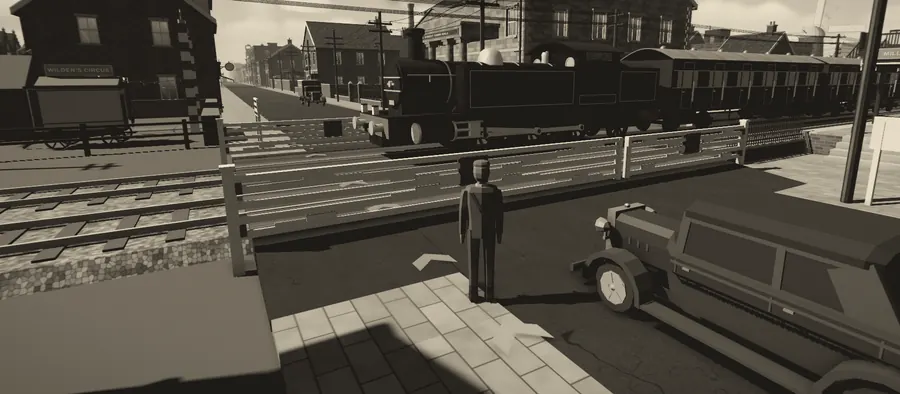
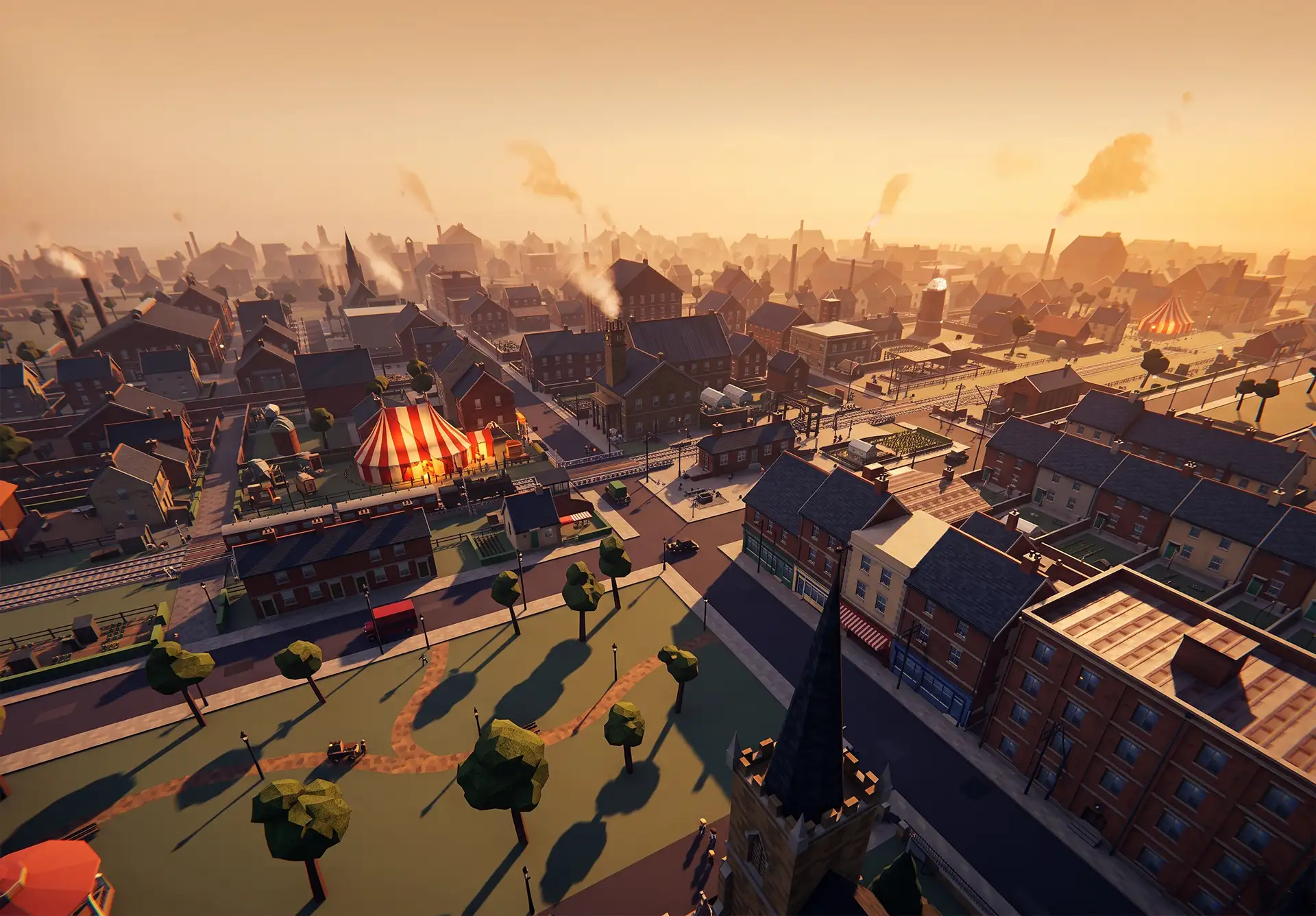
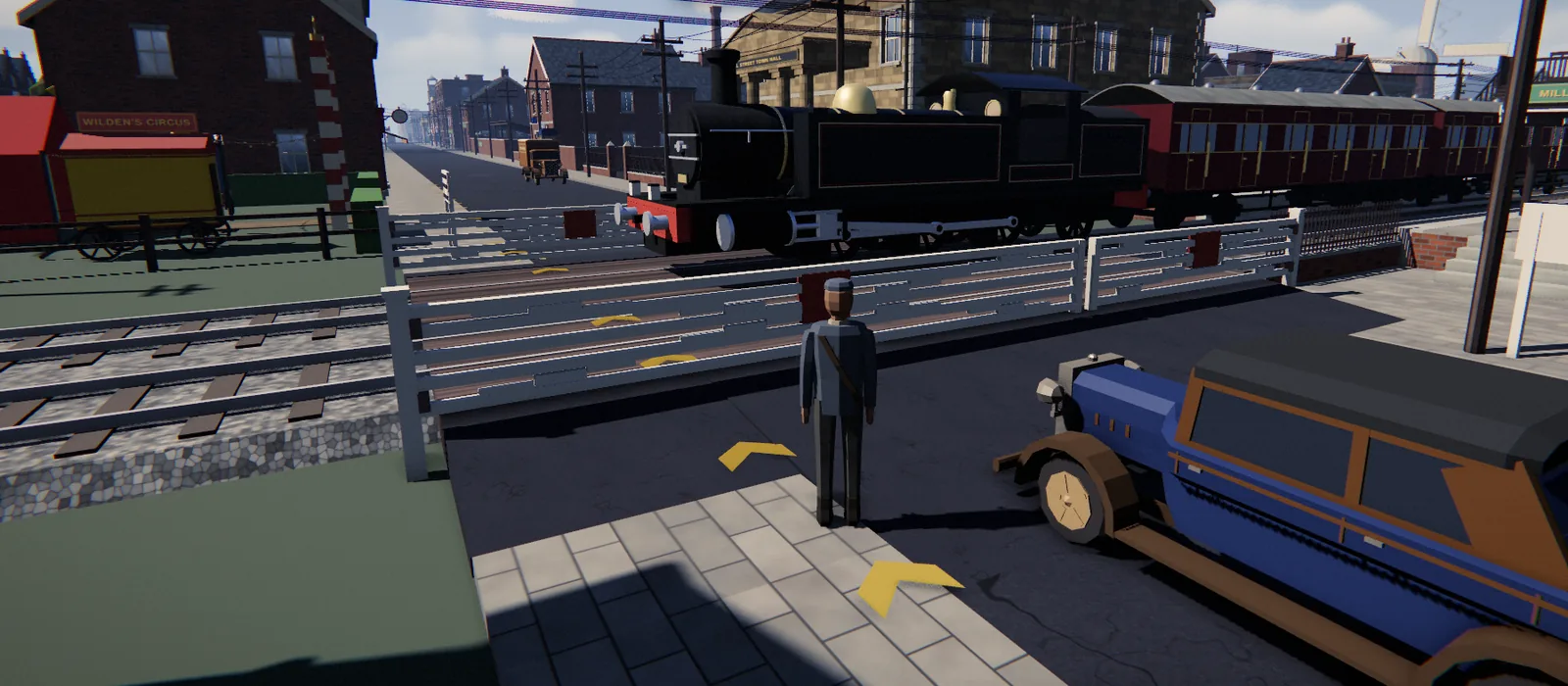
As a resident of Mill Street, you may have noticed that all trains depart and arrive on the exact same second every day. Rail engineers from around the world are baffled how a schedule can actually work, but also very alarmed. "Delays and cancellations are all part of a train journey, and Mill Street is destroying what we have spent ages to build, with their 'look at how perfect we are' attitude," a visiting rail engineering expert said. "They are making the rest of us look stupid, and this needs to be stopped," he continued.
Tourism seen declining in Mill Street
Every month Mill Street has experienced a steady number of three players who entered the town, this has now dropped to two, and this raises concerns with the Mayor. "This is a big drop in our numbers, and something needs to be done!" the Mayor said, while pointing his finger at Darren and calling him 'lazy and irresponsible.' "Everything is free in this town, which impacts our town economy, and I still can't get a budget," the Mayor continued.
Asked for a comment, Darren said the game has been free since the day he built it, and it was just a fun spare time project. The Mayor immediately replied, "So, am I a joke to you? Don't treat me like a figure you've just made up." Darren ignored the remarks, saying it's pure imagination.
Gold arrows appear on streets, council denies painting them
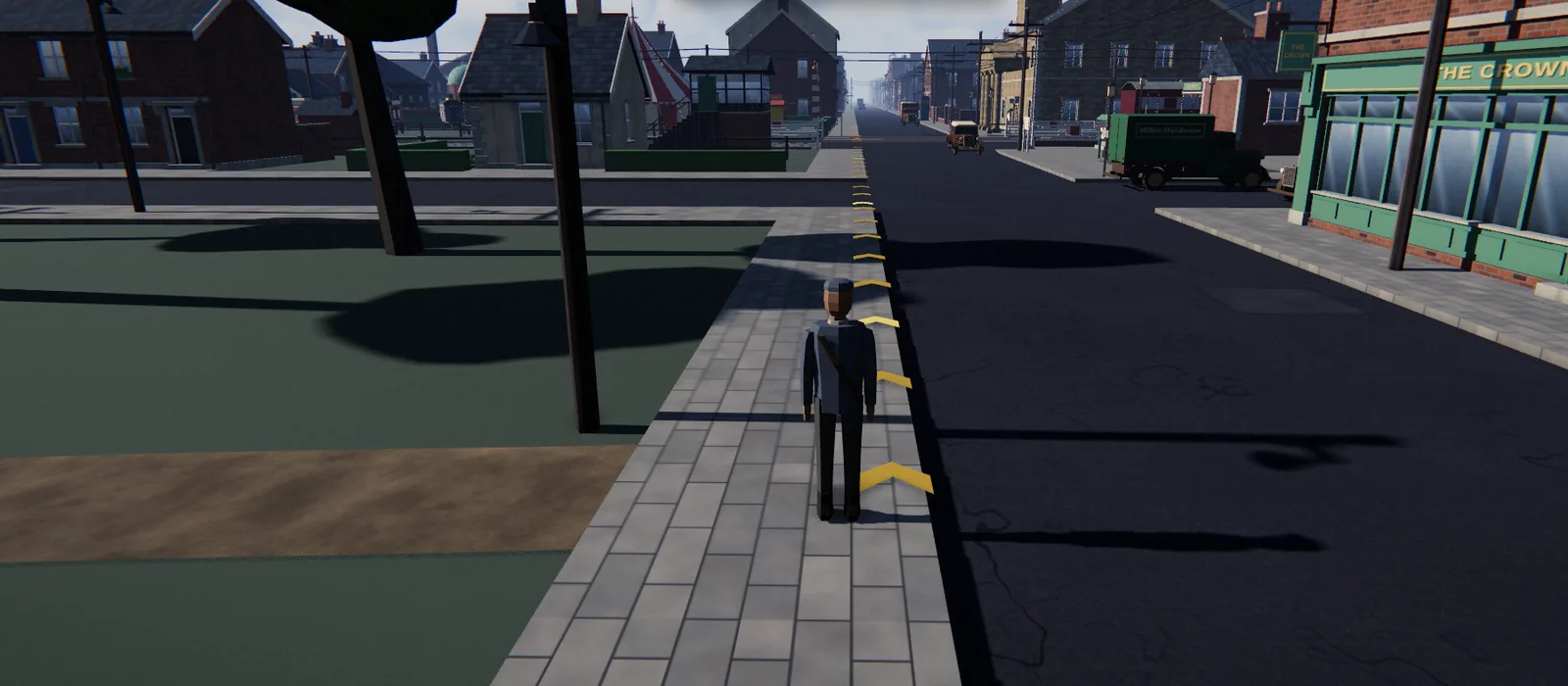
Residents have noticed gold arrows appearing on the ground, pointing wherever a visitor says they want to go. "We didn't paint them, we don't own any gold paint, and we can't explain them," a councillor said. "But they've never once been wrong." He tried one this week and ended up outside his own house. "Good arrow," he said.
Situations vacant
Mill Street requires a developer
Are you a good developer, and do you take our citizens seriously? (The current one apparently does not.)
Oh boy, do we have a job for you.
Apply now at the Mayor's Office