
Play it on any device
Computer
Walk with the keyboard and look around with the mouse, with the town in its fullest detail.
Tablet
Walk and look around with your thumbs, with a big screen to take it all in.
Phone
The whole town in your pocket, made to run smoothly on an ordinary phone.
The town adjusts itself to your device. The more powerful the device, the better the graphics, with more detail and further views. On a smaller or older device it draws a little less to keep everything moving smoothly. An up-to-date browser gives the best result.
On a computer
Walk with the keys and look around with the mouse.
- WASDWalk, or use the arrow keys
- ShiftHold it down while walking to run
- Left mouse buttonDrag to look around
- Double-clickLook around freely with the mouse
- ESit down, and stand up again
- GPick something up
- TWhistle for a taxi
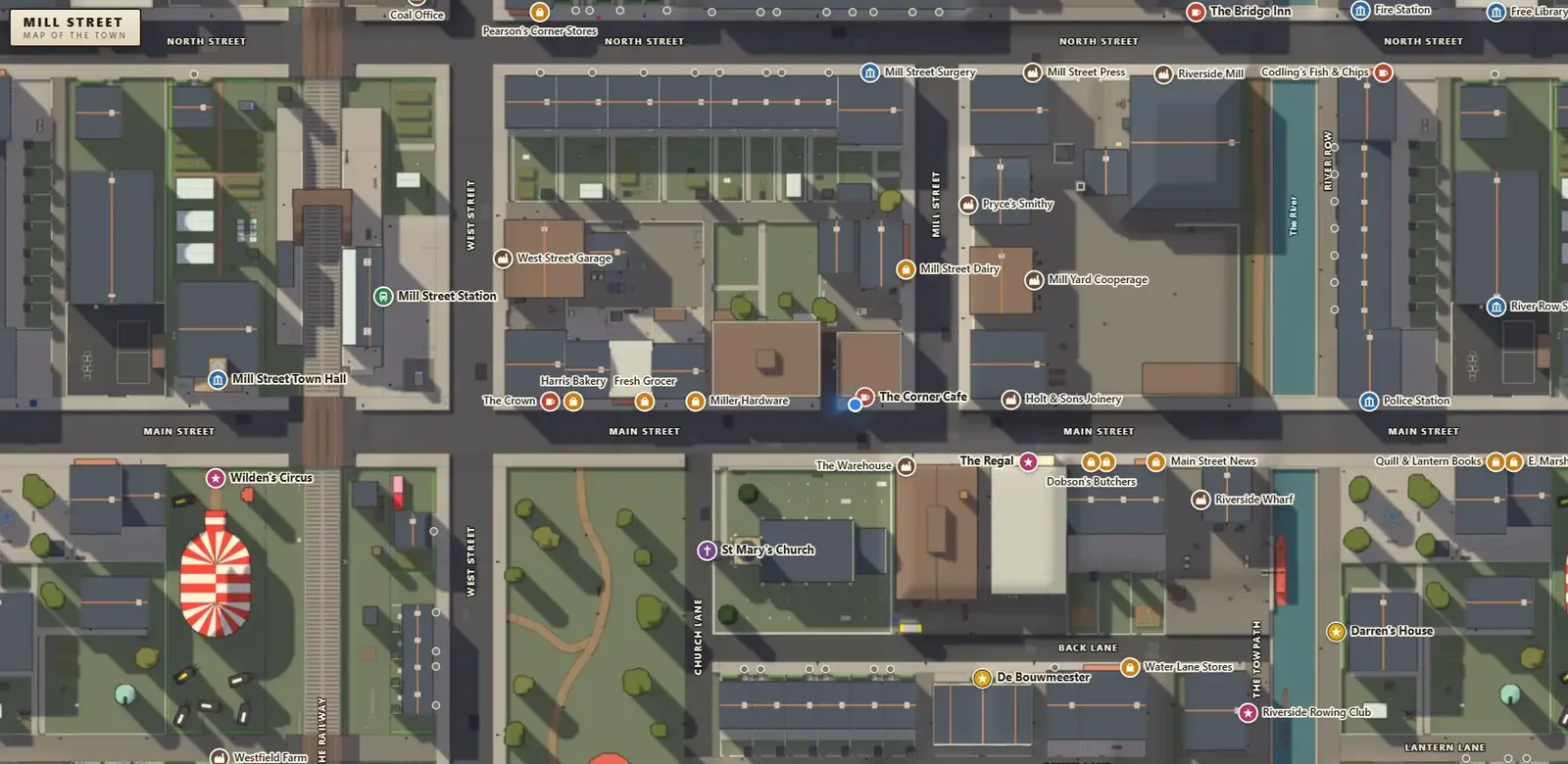
- MOpen the map

On a phone or tablet
Hold it in both hands and play with your thumbs.
- Left thumbSlide it forward to walk, and steer in any direction
- Right thumbDrag it around the screen to look around
- SitButtons like Sit and Pick up appear when there is something to do
- SettingsTop left, for the music, voice and sound levels
- MapTop right, to open the map
 Bottom right, to whistle for a taxi

Getting around town
You can always walk everywhere, but the town is big, so there are two ways to make it easier.
-
Call a taxi
Press
, or T on a keyboard, and you whistle for a cab. It pulls up at the kerb a few seconds later, the map opens, and you choose where to go. Enjoy the ride or skip it to get there straight away. If you change your mind, just walk off and the cab drives away. -
Find your way with the map
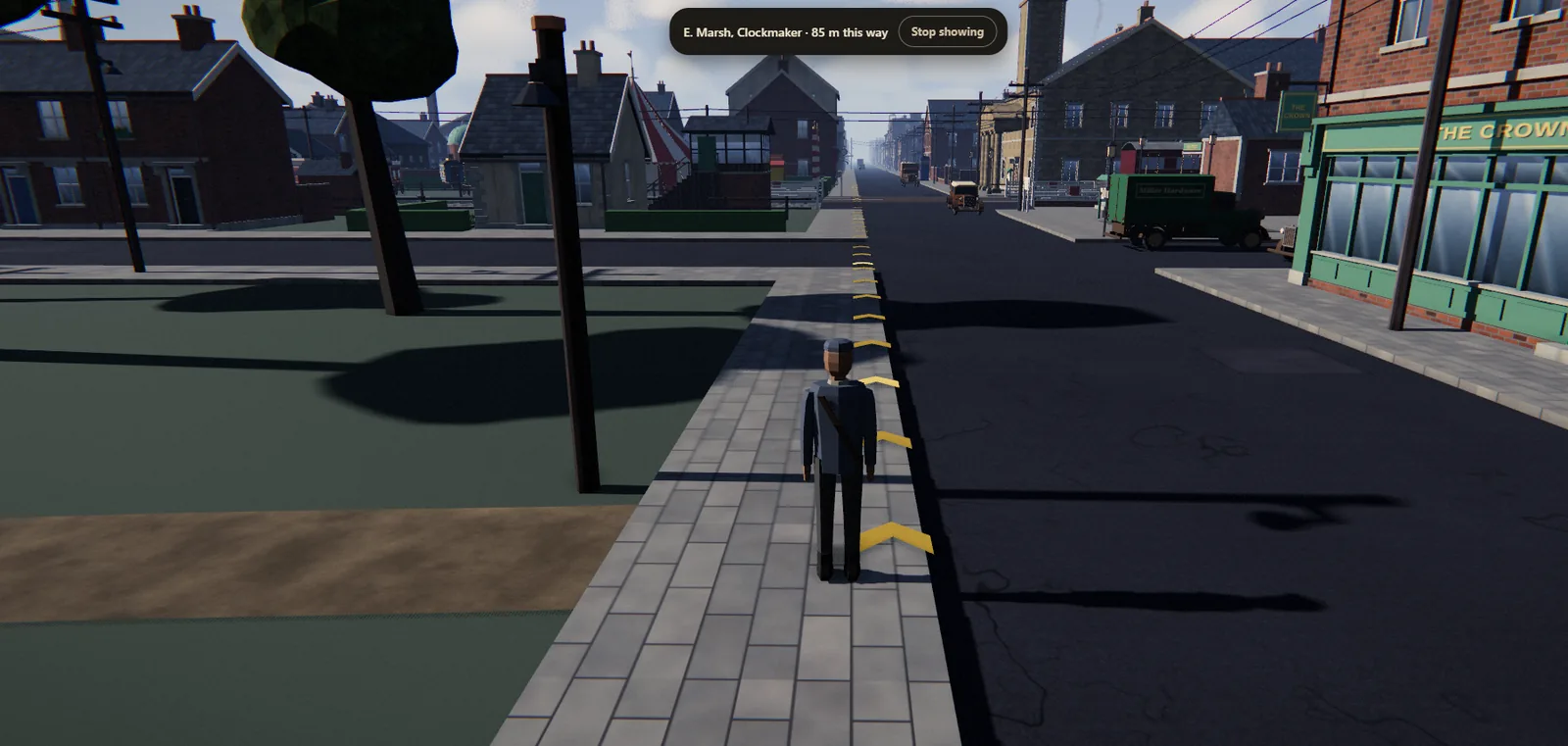
Open the map with the Map button, or M on a keyboard. Drag to move around it, scroll or pinch to zoom, and click or tap a place to see what is there and how far it is on foot. Ask to be shown the way and gold arrows appear on the pavement, pointing you in the right direction all the way to the door.
Good to know
Turn the sound on
Many rooms talk back in my voice, and the town has its own music and sounds. Headphones are worth it. You can set the levels in Settings.
Your satchel remembers
The keepsakes you find are kept in your satchel, on the device and browser you play on, so you can come back another day and carry on.
Read the Gazette
Pick up the paper outside Main Street News, then swipe or use the arrows to turn the pages.
Sit, point and pick up
Sit on benches and in the pews, point up at the sky, and pick up an apple at the market.
Ready to explore?
Free, in your browser, on your computer, tablet or phone.